
WordPress Keyboard Shortcuts for Writing, Gutenberg and More
Learn how to improve your productivity and efficiency on WordPress by mastering keyboard shortcuts for writing, editing and publishing.

Learn how to improve your productivity and efficiency on WordPress by mastering keyboard shortcuts for writing, editing and publishing.

Learn how to reinstall WordPress, including backing up your site, uploading WordPress to your server, creating a MySQL database, and installing WordPress.

Learn how to safely uninstall a WordPress plugin using various methods including the dashboard, FTP, WP-CLI, or by manually deleting plugin files.

Learn what a CDN is, and how to implement one for your website with this ultimate guide to understanding and implementing a CDN.

Monitoring and managing your cPanel bandwidth usage to optimize website performance and reduce hosting costs.

Improve the performance of your WordPress website with these top 10 image optimization plugins.

Learn how to optimize images for the web and improve the performance of your WordPress website. Follow best practices through this article!

Check out these 41 free stock photos sites, including Burst, Pixabay, Unsplash, and Pexels, for a wide range of high-quality images.

Learn how to use Scalable Vector Graphics (SVG) files in WordPress to improve performance and create responsive designs.
Learn how to edit and customize the wp-config.php file to improve the performance and functionality of your WordPress site.
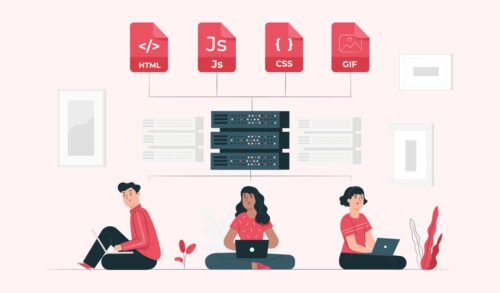
Learn how to enqueue scripts and styles (assets) in WordPress to ensure your site loads smoothly and performs optimally.

Learn to master the WordPress Media Library and optimize your media files for SEO with this comprehensive guide.