
What is a Child Theme in WordPress? #
As indicated in the overview, a child theme inherits the look and feel of the parent theme and all of its functions, but can be used to make modifications to any part of the theme. In this way, customizations are kept separate from the parent theme’s files. Using a child theme lets you upgrade the parent theme without affecting the customizations you’ve made to your site.
How to Download Platea Child Theme #
Step 1 – Log in to ThemeForest with your Envato account.
Step 2 – Navigate to the Downloads tab. Your all purchases and items appear in this page.
Step 3 – Locate Platea, and click the Download button.
Step 4 – Choose the All Files & Documentation. Theme files will be downloaded to your computer.
Step 5 – You will have a ZIP file, unzip it. Therein you will see a Child Theme folder. Open this folder and you will have platea-child folder and platea-child.zip file.

How to Install Platea Child Theme #
After installing Platea, you can install the child theme through the theme setup wizard. For this, visit the Platea installation documentation. If you don’t want to use this method, you can install it manually. Follow the steps below for manual installation.
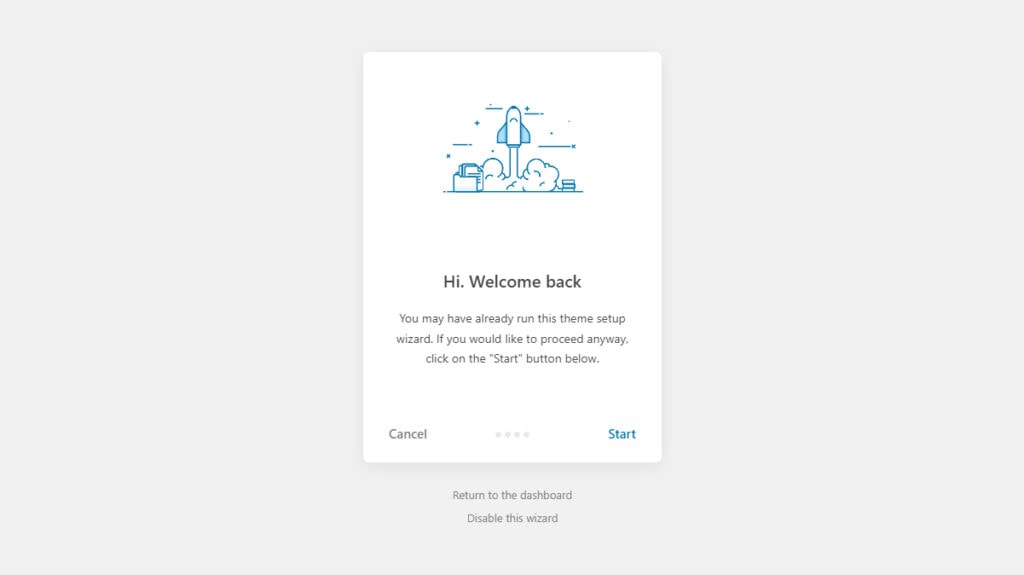
Make sure you have installed the Platea parent theme before installing the child theme.
How to Install Platea Child Theme via WordPress #
Step 1 – Login to your WordPress admin panel.
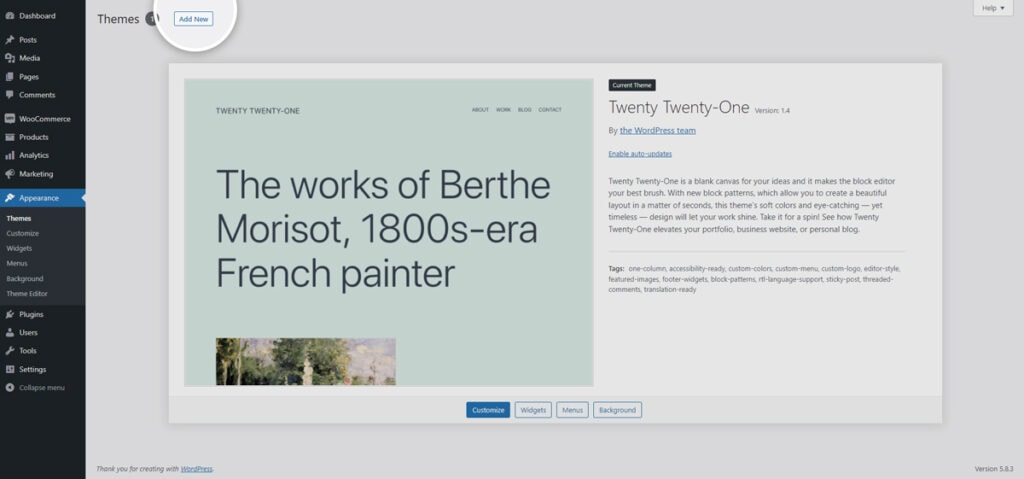
Step 2 – Navigate to the Appearance > Themes from the WordPress admin panel.
Step 3 – Click on the ‘Add New’ button at the top of page.
Step 4 – Click on the ‘Upload Theme’ button at the top of page.
Step 5 – Click on the ‘Choose File’ button.
Step 6 – Find the theme files you have just downloaded from ThemeForest (How to Download Platea Child Theme). Open the Child Theme folder and choose platea-child.zip file.

Step 7 – Click on the ‘Install Now’ button and wait for the theme installation to complete.
Step 8 – Finally, click on the ‘Active’ button.
How to Install Platea Child Theme via FTP #
Step 1 – Log into your server via FTP. You can use software such as FileZilla for for this process.
Step 2 – Find the theme files you have just downloaded from ThemeForest (How to Download Platea Child Theme). Open the Child Theme folder and you will have the platea-child folder.
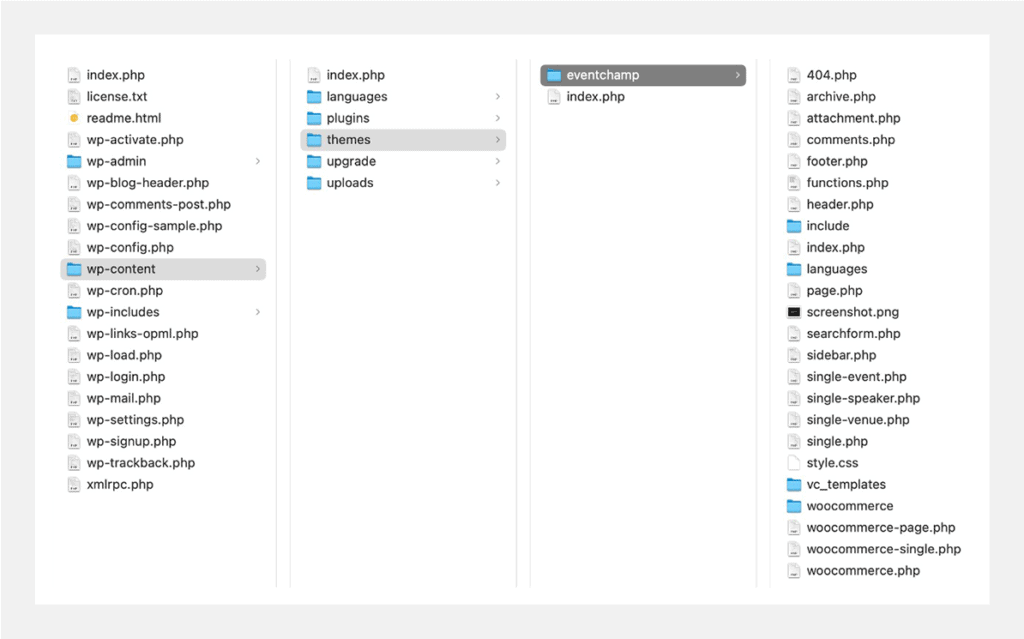
Step 3 – Using the FTP client, upload the platea-child folder to the ‘wp-content > themes’ folder on your server. Make sure the folder name is unchanged and main platea-child folder. This will take a few minutes, depending on your connection speed and your server.
Step 4 – Login to your WordPress admin panel.
Step 5 – Navigate to the Appearance > Themes from the WordPress admin panel.
Step 6 – Click on the ‘Activate’ button from the Platea Child theme.


