
How to Change Your WordPress Folder
Learn how to easily change your WordPress folder using a plugin in this step-by-step guide.

Learn how to easily change your WordPress folder using a plugin in this step-by-step guide.

Learn how to add a favicon to your website: create a favicon, upload and add it to your WordPress site, test it, and keep it up to date.

This guide provides steps on how to check the version of WordPress that is installed on your website.

Learn how to disable comments in WordPress using global settings, individual posts and pages, plugins, or modifying the theme files.

Learn WordPress with the best online resources: from official documentation to video tutorials, interactive courses and meetups.
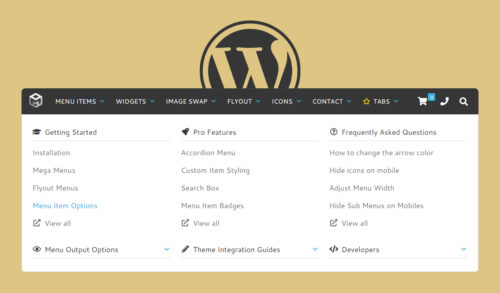
This article provides the steps involved in choosing and installing the right mega menu plugin, and customizing the mega menu.

If you’re a WordPress user, you’ve likely noticed that the platform offers a variety of options for managing your site’s navigation menu.

A PHP info page is a special PHP script that displays a wide range of information about your PHP installation.
Google Forms is a powerful tool for collecting data and feedback from users. It is easy to use and can be easily integrated into WordPress.

Exporting and importing users in WordPress allows you to move user data between websites, create backups, or import users from databases.

Learn how to create a professional-looking and functional wiki website with WordPress using the Wikilogy theme.

Learn how to create a professional-looking and functional museum website with WordPress using the Loquet theme.