
Creating Coming Soon Page & Maintenance Mode in WordPress
Learn how to create a professional under construction or coming soon page in WordPress using a plugin or the built-in features of your theme.

Learn how to create a professional under construction or coming soon page in WordPress using a plugin or the built-in features of your theme.

In this comprehensive guide, we will explore different ways to hide the fact that your website runs on WordPress.

Learn how to easily add social login to a WordPress site to improve user experience and eliminate the need for separate account creation.

Learn how to customize the login page in WordPress using plugins or by editing the code of your website.
Learn how to change and customize your WordPress permalinks to improve SEO and user experience.

Learn how to properly backup your WordPress website to protect all of your hard work and important data. Discover all the tips!

Learn how to redirect WordPress users after login using the built-in feature, plugins, or custom code.

Are you tired of managing and moderating countless comments on your WordPress site? The most practical ways to delete all comments.

Follow best practices for optimizing your WordPress site title, including keeping it short and descriptive, using modifiers and branding, and including your primary keyword.
To improve the user experience, and credibility of your WordPress website, consider displaying the last updated date on your posts and pages.
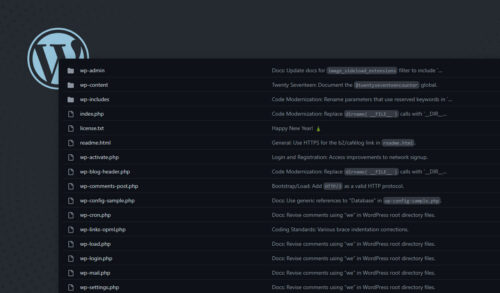
Deep dive into WordPress files and explore how they work, how to use them, and how to troubleshoot common issues.
Learn how to privately publish pages and posts on your WordPress site by determining which content to hide and setting up user roles.